AAs a 3-language learner, I usually jump from different dictionary pages and apps for learning them. And sometimes I will ask AI to explain some words or sentences, let AI gather some extended usage of some words, and so on. Why don’t I create a custom AI searching engine for myself instead of keeping asking AI in the chat?
This idea comes from “Zara’s Al learning library”, and I adjusted it according to my own needs. You can also create one based on your needs. There is a step-by-step guide on how to create a custom dictionary.
Preparation
Here I use Gemini 3 Pro, so you need a Google account. Gemini 3 Pro or Google AI Studio has regional availability limits. It is not available in all countries. Check if your location is supported using the Available regions for Google AI Studio and Gemini API page.
Procedure
- Go to the Google AI Studio and click Build.
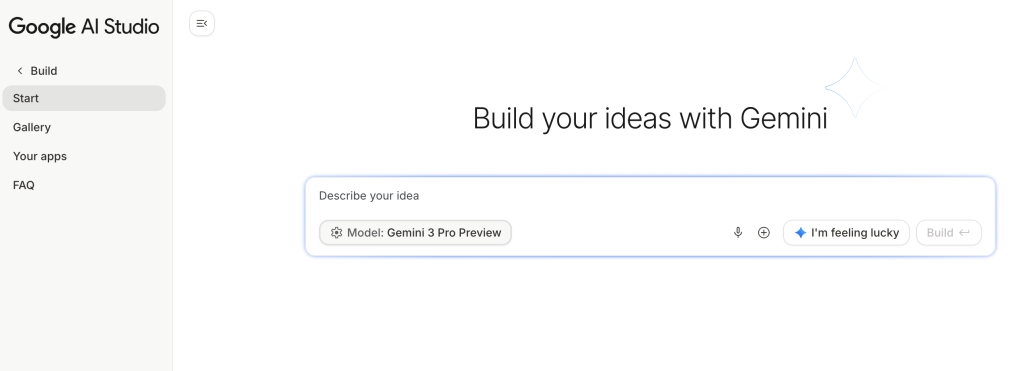
2. On the Build page, describe your idea in the dialog. Make sure the model you use is Gemini 3 Pro.
Here is the prompt. For the text to copy and paste, go to “Zara’s Al learning library” website and the prompt is on the first page. The key details are highlighted below.

Red box: features; yellow underline: DO NOTs; blue underline: UI requirements
Wait for 50+ seconds, the app magically comes up!

Result for “Maison”:

Grammar analysis:

Notebook page:

Study page:
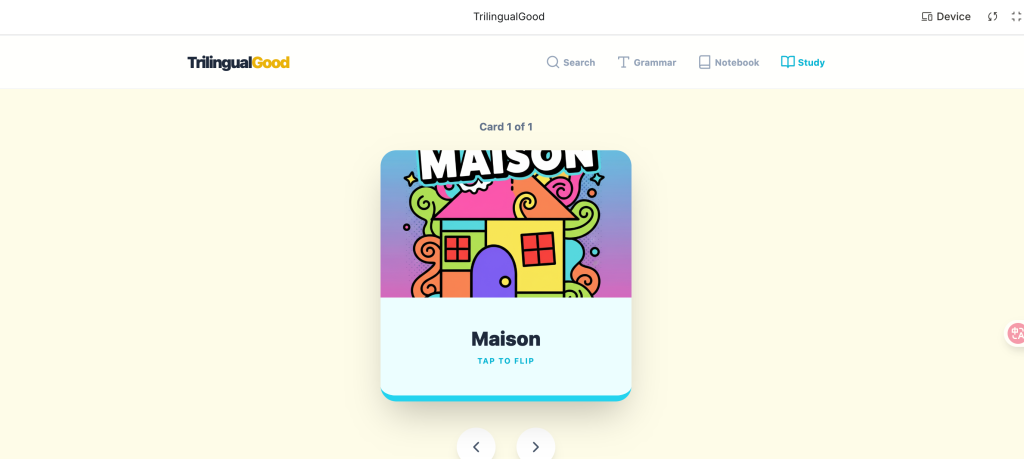
3. Test the app, make any changes or debug.
4. Click the Save icon on the upper right to save the app. Then you can see your app on the Your apps page. You can click it to use the app again.

Deployment
You can deploy the app on Google Cloud directly. Click Deploy app icon on the upper right, select or create a project, and pay for deployment.

Publishing on other platforms
You can download the app or save to GitHub and deploy it on the platform like Vercel, Netlify, and EdgeOne.